


USB Chargers
Chargers supply power to your laptop, smartphone, gaming handheld, or tablet.
21 Results
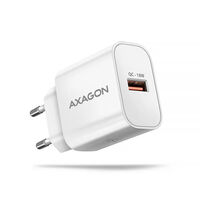
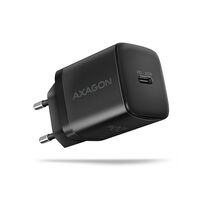
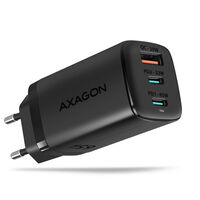
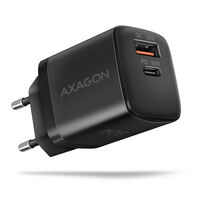
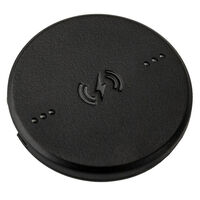
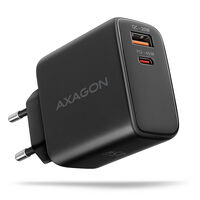
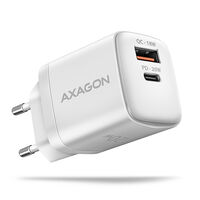
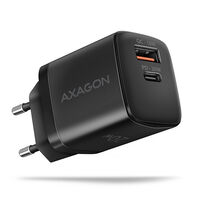
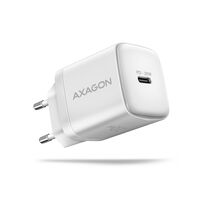
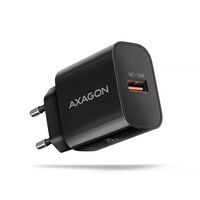
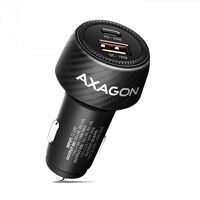
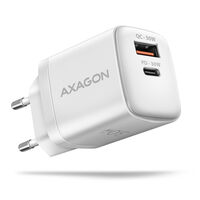
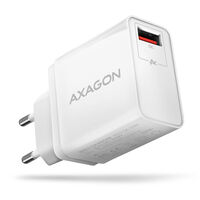
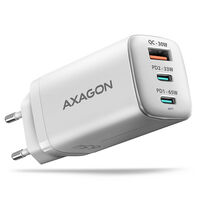
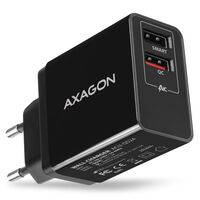
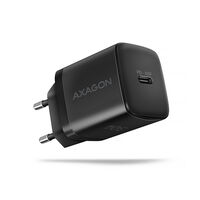
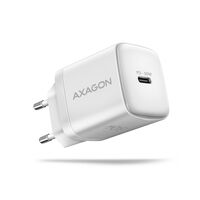
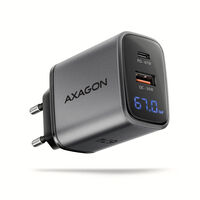
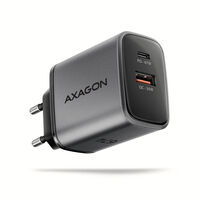


Chargers for Your Devices
Whether for a smartphone, laptop, or tablet, a charging adapter is essential for charging your devices and keeping them ready to use on the go. Discover models with USB-C ports, Power Delivery, and Quick Charge, and choose between different wattages.
USB-C or Multiport Charger?
USB-C chargers feature a USB-C port. They often support fast-charging technologies such as Power Delivery or Quick Charge, allowing compatible devices to charge more quickly.
Multiport chargers allow you to charge several devices at the same time – particularly useful if you want to charge a laptop, smartphone, and tablet from a single adapter. Depending on the model, several USB-A or USB-C ports are available. Support for Power Delivery or Quick Charge depends on the model.
What Should You Consider When Buying a Charger?
Charging Power
Charging power varies from model to model. Before buying, check how much power your device requires. With multiport chargers, the maximum wattage supported by each port is also often specified.
Fast-Charging Features
Power Delivery, PPS, and Quick Charge can reduce charging times for compatible devices. The charger, the port being used, the cable, and the end device must all support the appropriate charging standard and required power.
How Many Watts Should a Charger Have?
Depending on the device, the charging adapter should provide a certain amount of power. If the output is too low, charging may be significantly slower.
| Device | Typical Charging Power |
|---|---|
| Smartphone | approx. 20–30 W |
| Tablet | approx. 20–45 W |
| Gaming Handheld | approx. 30–65 W |
| Ultrabook / Laptop | approx. 45–100 W |
| Higher-Performance Laptop | 100 W or more |
These figures are intended as a general guide. The charging power actually required and used depends on the individual device and the supported charging standard.
FAQ – Chargers
How Do I Find the Right Charger for My Device?
Check the recommended charging power, connector, and supported charging standard of your device. For fast charging, the charger, the port being used, the charging cable, and the end device must all be compatible.
Can I Use a Charger with More Watts Than My Device Needs?
Yes, provided the charger and end device support a compatible charging standard. The end device only draws the amount of power it can handle. A 100 W charger therefore does not automatically charge a smartphone at 100 W.
What Happens If the Charger Provides Too Little Power?
The device will normally charge more slowly. With a laptop, insufficient charging power may mean that the battery charges only slowly, does not charge at all, or continues to discharge while the charger is connected.
How Is Power Distributed on a Multiport Charger?
Depending on the model, the stated wattage may refer to the total output or the maximum output of a single port. When several devices are connected at the same time, the available power is often distributed across the ports in use. Check the power specifications for the respective port combination.
What Do Power Delivery, PPS, and Quick Charge Mean?
USB Power Delivery, or USB PD, is a widely used charging standard for USB-C devices. PPS allows compatible devices to adjust voltage and current more precisely. Quick Charge is mainly supported by certain smartphones and accessories. Which standard is required depends on the end device.
Do I Need a Special USB-C Cable for Fast Charging?
Depending on the desired charging power, a suitably rated cable may be required. If the cable does not support the required power, it can limit charging speed. Also check whether you need a USB-C-to-USB-C or USB-C-to-Lightning cable, for example.
Can I Use One Charger for a Smartphone, Tablet, and Laptop?
Yes, if the devices can be charged via a compatible connection and the charger supports the required charging standards and sufficient power. A USB-C multiport charger with Power Delivery is often a practical choice for this purpose.
What Is a GaN Charger?
GaN stands for gallium nitride. This semiconductor technology often enables high power output in a comparatively compact design. GaN alone does not automatically make charging faster. The output of the port being used, the charging standard, the cable, and the end device are the decisive factors.