


Gaming Headsets
Whether for team chat, gaming, or streaming – with a high-quality headset, you can hear every detail and stay focused on the action.
59 Results


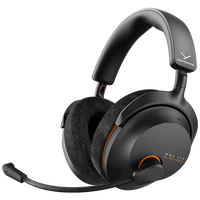

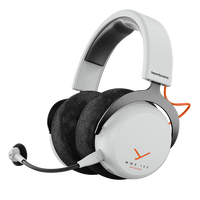


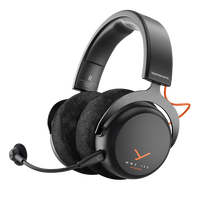
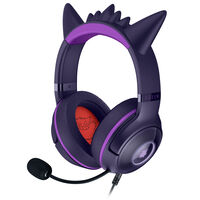
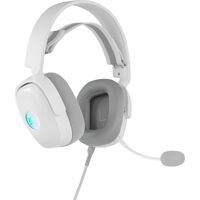


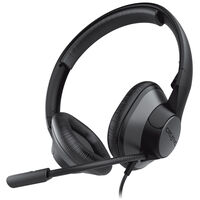


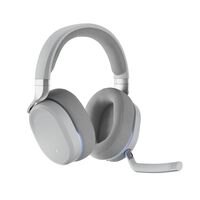


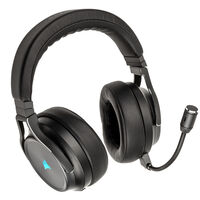


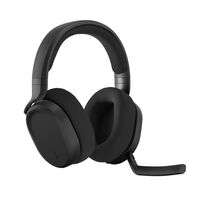


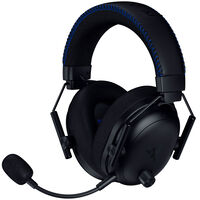


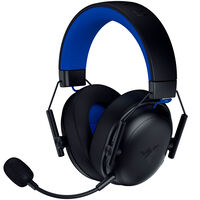
Gaming Headsets
Gaming headsets are specifically designed for gamers and streamers who want to hear their games clearly or communicate with teammates via a microphone.
Whether wireless or wired headsets, headphones with stereo, Dolby Atmos, or surround sound – discover our gaming headsets here.
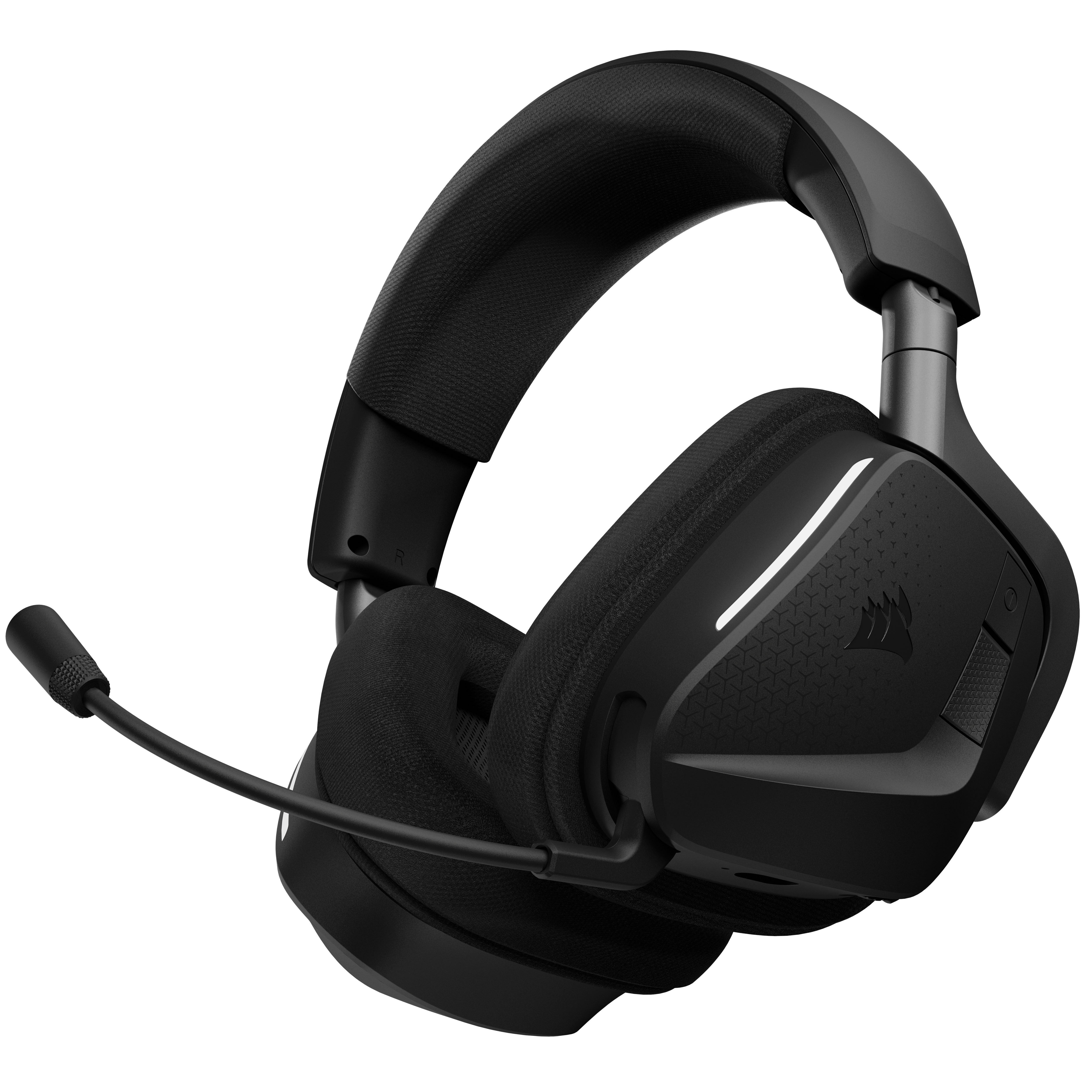
Bluetooth, 2.4 GHz Wireless, or USB Headsets: The Differences at a Glance
Wireless headsets can connect to a compatible device in two different ways: via Bluetooth or 2.4 GHz wireless.
2.4 GHz wireless headsets connect to a device via a USB dongle. Thanks to their low latency, they are ideal for gamers who want to avoid cables getting in the way.
Bluetooth headphones do not require an additional receiver. They can connect to any compatible Bluetooth device and allow you to switch quickly between different devices. However, audio quality may be reduced when using the microphone and audio playback at the same time. Whether you use Bluetooth or 2.4 GHz wireless, wireless headphones rely on battery power when they are not connected by cable. If you prefer a wireless connection, you should therefore consider the specified battery life.
USB and 3.5 mm headsets connect to a device via a USB port or 3.5 mm jack. This type of connection avoids wireless latency and connection stability issues. However, the cable can restrict your freedom of movement.
When Each Type of Connection Is Suitable
| Connection Type | Advantages | Disadvantages | Suitable For |
|---|---|---|---|
| 3.5 mm Jack | No wireless latency, no battery required, compatible with many devices | Cable restricts freedom of movement, available features depend on the connected device | Gaming on PCs and consoles when a simple wired connection is preferred |
| USB / USB-C | Digital audio transmission, no separate power supply required, additional headset features possible depending on the model | Wired and therefore less freedom of movement, compatibility with the respective platform must be checked | PC gaming and compatible consoles, particularly for wired gaming headsets with additional features |
| 2.4 GHz Wireless | Wireless use with low latency, high freedom of movement | USB receiver required, battery life limits wireless use | Gaming on PCs and compatible consoles when a wireless connection with minimal latency is important |
| Bluetooth | Wireless, usually no additional receiver required, compatible with many different devices | Depending on the device and headset, higher latency than 2.4 GHz wireless, battery life must be considered | Gaming, music, and mobile use when flexibility and connectivity with different devices are the priority |
If you are unsure whether you prefer a wired or wireless connection, a headset that supports both connection types is a good choice. This gives you the flexibility to switch between them as needed.
Headsets with Microphones
Many headsets feature microphones. Voice quality varies from device to device, as do features such as background noise reduction. There are also headsets with fully detachable microphones as well as models with flip-up microphones that automatically mute when raised. Additional controls such as mute buttons and volume controls are also common.
Sound and Spatial Audio with Headphones
In addition to sound quality – including how well highs, mids, and bass are reproduced – spatial positioning of sounds can be particularly useful in competitive games. Features such as Dolby Atmos or virtual 7.1 surround sound can help you determine the direction of sounds such as footsteps and gunfire. Support, however, also depends on the game.
Comfort
For longer sessions, it is important that the headset is comfortable to wear. The padding can be made from different materials:
- Memory foam: adapts to the shape of your head and ears and distributes clamping pressure evenly; depending on its density and covering, it can retain heat – ideal for long gaming sessions
- Faux leather: provides good isolation, often delivers a stronger perception of bass, and is easy to clean; less breathable and more susceptible to cracking – ideal for users who value isolation and easy cleaning
- Fabric: breathable with lower heat build-up; provides less isolation from external noise and can become dirty more quickly – ideal for warm environments and long sessions
The size of the ear cups also varies from model to model. On-ear headsets rest on your ears, while over-ear headphones surround your ears. Also make sure that the headphones are adjustable so you can adapt them to the size of your head.
Not sure which headset is right for you? In our blog, we introduce some of the best gaming headsets.
FAQ – Gaming Headsets
What Is the Difference Between a Gaming Headset and Regular Headphones?
Gaming headsets feature an integrated or detachable microphone, making them suitable for voice communication while gaming. Depending on the model, additional features may include spatial audio, microphone muting, separate volume controls, or a wireless 2.4 GHz connection. Regular headphones, on the other hand, are primarily designed for audio playback.
Is a Wired or Wireless Gaming Headset Better?
This depends on your requirements. Wired headsets do not require a battery and provide a stable connection. Wireless headsets offer greater freedom of movement but need to be charged regularly. 2.4 GHz wireless is commonly used for wireless gaming because it generally offers lower latency than Bluetooth.
Can I Use a Gaming Headset with a PC and Console?
This depends on the headset and connection type. Models with a 3.5 mm jack can be connected to many devices, while supported platforms may vary with USB, USB-C, and wireless headsets. Before buying, check whether the headset is compatible with your PC or console.
Is Bluetooth Suitable for a Gaming Headset?
Bluetooth is particularly useful if you want to use your headset flexibly with different devices. When gaming, however, audio transmission may have higher latency than a 2.4 GHz wireless connection, depending on the headset and device. For games where minimal delay is important, 2.4 GHz wireless may therefore be the better choice.
What Does Surround Sound Do on a Gaming Headset?
Spatial audio technologies such as virtual 7.1 surround sound or Dolby Atmos can provide spatial sound reproduction. In supported games, this can help you identify the position and direction of sounds such as footsteps or gunfire. Available features depend on the headset, platform, software, and game.
What Is Important in a Gaming Headset Microphone?
In addition to clear voice transmission, features such as noise reduction, a mute button, or automatic muting when the microphone is flipped up can be useful. A detachable microphone is practical if you also want to use the headset as regular headphones.
What Is the Difference Between Over-Ear and On-Ear Headsets?
With over-ear headsets, the ear pads surround the ears, while on-ear models rest directly on them. Over-ear models can provide greater isolation from external noise but also require more space due to their larger ear cups.
What Is ANC on a Gaming Headset?
ANC (Active Noise Cancelling) actively reduces distracting external noise and can be particularly useful in louder environments. Closed ear cups can also provide passive isolation from external noise. The effectiveness of noise reduction depends on the respective headset.
What Should I Consider When Buying a Gaming Headset?
Important criteria include compatibility with your platform, your preferred connection type, microphone features, and comfort. For wireless models, you should also consider battery life. Features such as Dolby Atmos, virtual surround sound, or additional controls may also be relevant depending on your requirements.